Safe Shop – Webshop Security Self-Assessment
28.04.2026. | 09:57
Topics:
NOTE: All companies wishing to carry the Safe Shop trustmark accept our instructions for increasing webshop security and guarantee that they meet at least the first three criteria.
1. Do you update your webshop software (CMS, plugins, themes, etc.) regularly?
- Why it matters: Regular updates fix security vulnerabilities and ensure system stability and performance.
- Check for new versions at least once a month.
- Automate the update process where possible.
- Test updates in a staging environment before deploying to production.
2. Do you use Two-Factor Authentication (2FA) for admin panel access?
- Why it matters: 2FA reduces the risk of unauthorized access even if a password has been compromised.
- Activate 2FA for all administrators.
- Use applications like Google Authenticator or physical security keys.
3. How do you manage user data and ensure their privacy?
- Why it matters: Proper data management strengthens user trust and ensures compliance with GDPR and other laws.
- Implement SSL/TLS certificates for data encryption.
- Store sensitive data (e.g., passwords) using hashing algorithms.
- Regularly update your privacy policy and notify users of changes.
4. Do you have a webshop backup and how often do you create it?
- Why it matters: Backups allow for quick data recovery in case of attacks, errors, or technical failures.
- Set up automated daily backups.
- Keep copies in remote locations (e.g., cloud, external drive, or off-site hosting).
- Regularly test data restoration from backups.
5. Do you conduct regular security audits or penetration testing?
- Why it matters: This reveals vulnerabilities before attackers can exploit them.
- Hire experts for annual penetration tests.
- Use tools like WPScan or Nessus for regular checks.
- Document findings and take measures to resolve vulnerabilities.
6. Do you have a firewall and do you actively monitor traffic on your site?
- Why it matters: A firewall blocks suspicious traffic, while monitoring enables a timely response to potential threats.
- Use a Web Application Firewall (WAF).
- Monitor traffic through tools such as Cloudflare or Sucuri.
- Set up rules to block suspicious traffic.
7. Are all user accounts on the webshop restricted according to the principle of least privilege?
- Why it matters: Minimizing privileges reduces the risk of access abuse or user errors.
- Define roles and access rights for every user.
- Limit administrative privileges to a minimum number of users.
- Regularly review user roles and adjust them as needed.
8. Do you provide cybersecurity training for your employees?
- Why it matters: Employees are the first line of defense; educated staff reduce the risk of human error.
- Organize regular training on recognizing phishing attacks and safe data handling.
- Establish internal security policies that are easy to understand and apply.
9. Have you established a rapid response procedure for security incidents?
- Why it matters: A quick reaction can minimize damage and stop attacks before they cause more serious consequences.
- Create an incident response plan with clearly defined steps.
- Assign responsibilities within the team for rapid action.
- Regularly simulate potential incidents to test the plan’s effectiveness.
10. Do you have a procedure for protection against DDoS attacks?
- Why it matters: DDoS attacks can take your site offline, causing loss of revenue and user trust.
- Use CDN platforms like Cloudflare to filter DDoS traffic.
- Set up rules for rate limiting and blocking IP addresses with suspicious activity.
- Actively monitor traffic to react quickly to anomalies.
11. Do you regularly check login history and user activity on admin accounts?
- Why it matters: Reviewing activity allows for the early detection of unauthorized access or suspicious behavior.
- Enable activity logging (audit log).
- Regularly review logs to identify unauthorized access.
- Set up alerts for suspicious activities, such as logins from new IP addresses.
12. Do you have a process for auditing employee permissions and access rights?
- Why it matters: Regular audits ensure that only authorized users have access to key resources.
- Conduct audits of access rights every six months.
- Remove access for former employees immediately upon their departure.
- Restrict access to sensitive data based on business needs.

28.04.2026. | 10:44
Example of a fake webshop and how to detect it in time
28.04.2026. | 10:44
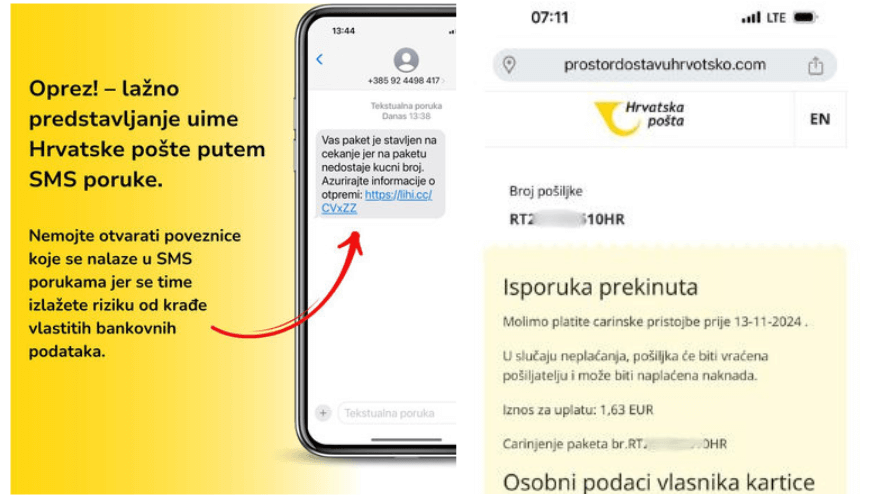
Croatian Post warns: Don’t fall for SMS scams!
28.04.2026. | 10:44
Security drives sales – Trust badges are a key sales tool

28.04.2026. | 10:44
Post warns of new scams: “They are coming from these 14 suspicious domains”
28.04.2026. | 10:44
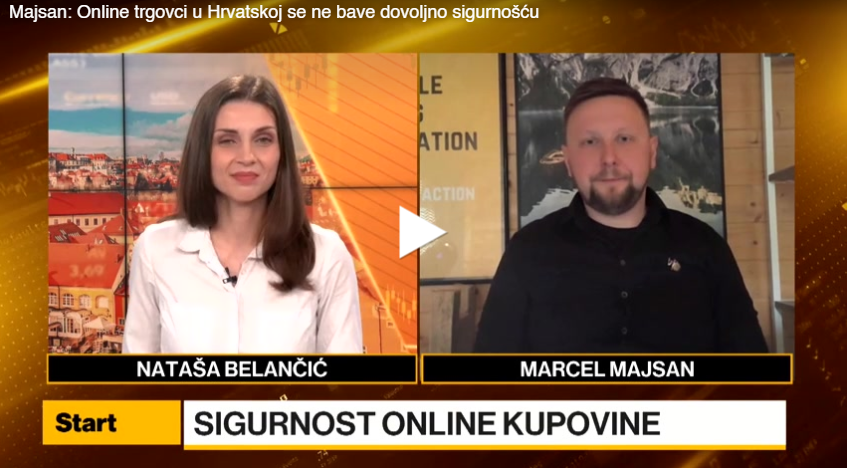
The risk of online scams higher than ever – merchants lag behind, AI doesn’t sleep